Hosted by Appsitekit
You do not need to buy a domain, configure hosting, write support pages, or build a landing page by hand.
 Appsitekit
Appsitekit · iOS Developer Tool
Appsitekit is a downloadable iOS app for App Store developers. Paste your app's App Store URL and Appsitekit builds and hosts its marketing website, support page, SEO content, and AI-readable app information.
Use Appsitekit on iPhone or iPad. Your App Store page handles downloads; the hosted website helps search engines, AI assistants, press, partners, and support visitors understand what your iOS app does.
You do not need to buy a domain, configure hosting, write support pages, or build a landing page by hand.
Published sites include a Marketing URL and Support URL that developers can paste back into App Store Connect.
Pages include clear facts, structured metadata, app screenshots, support information, and language-ready content.
Appsitekit specializes in one workflow: help iOS developers create a real public website for their app without leaving launch work unfinished.
Inside Appsitekit for iOS, developers import an App Store listing, review app details, preview the generated website, choose annual hosting, and receive publish-ready URLs.
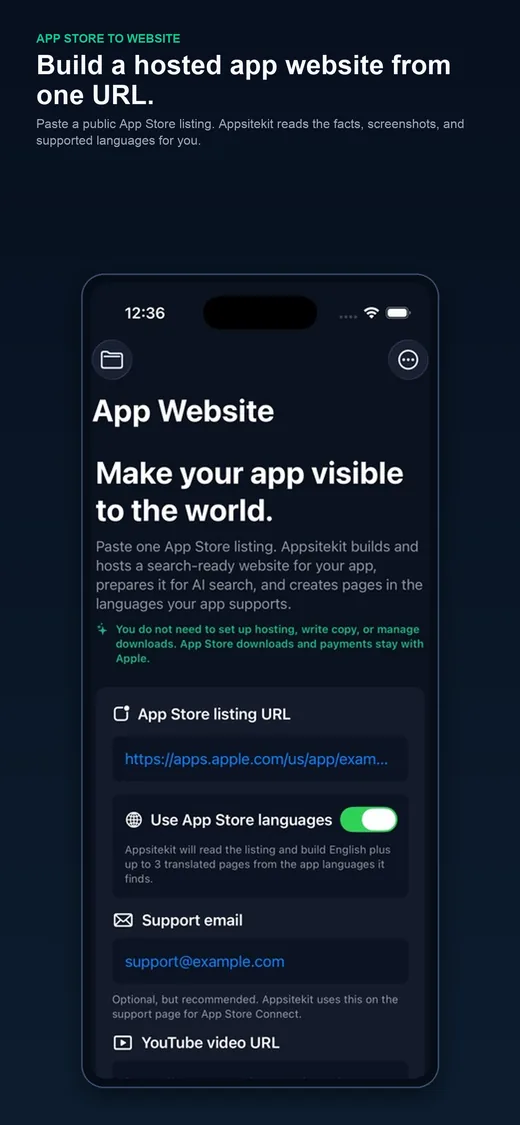
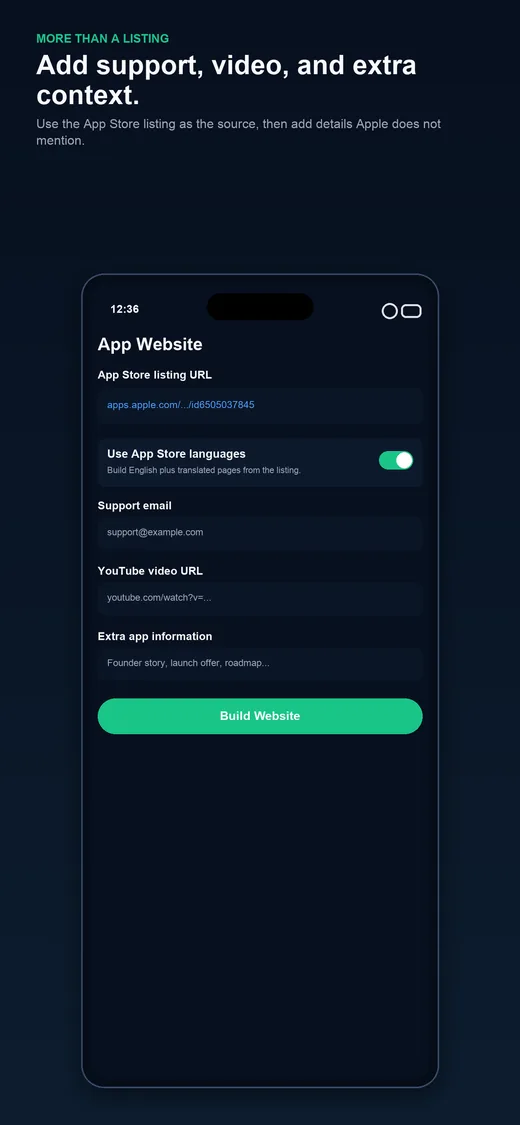
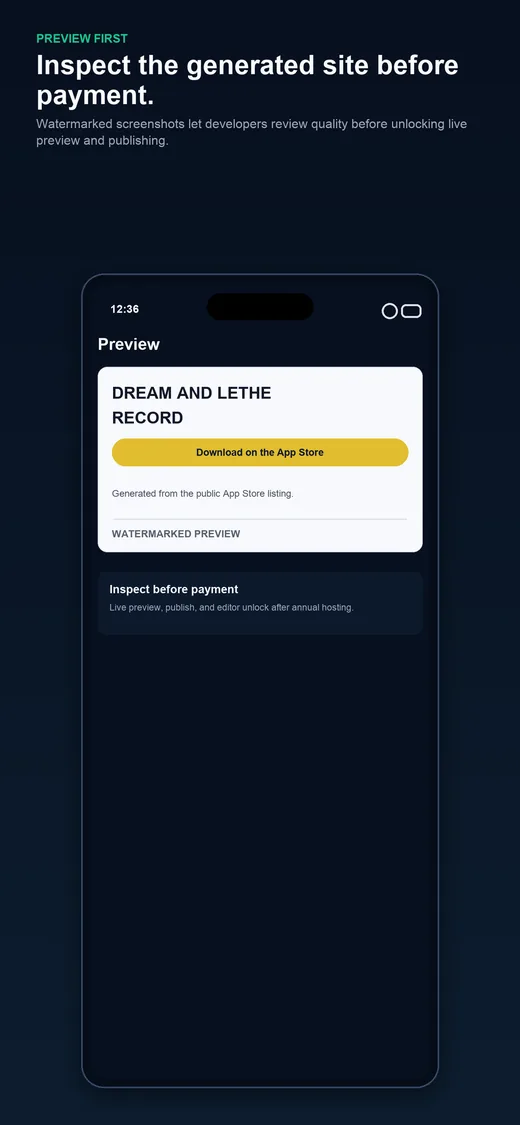
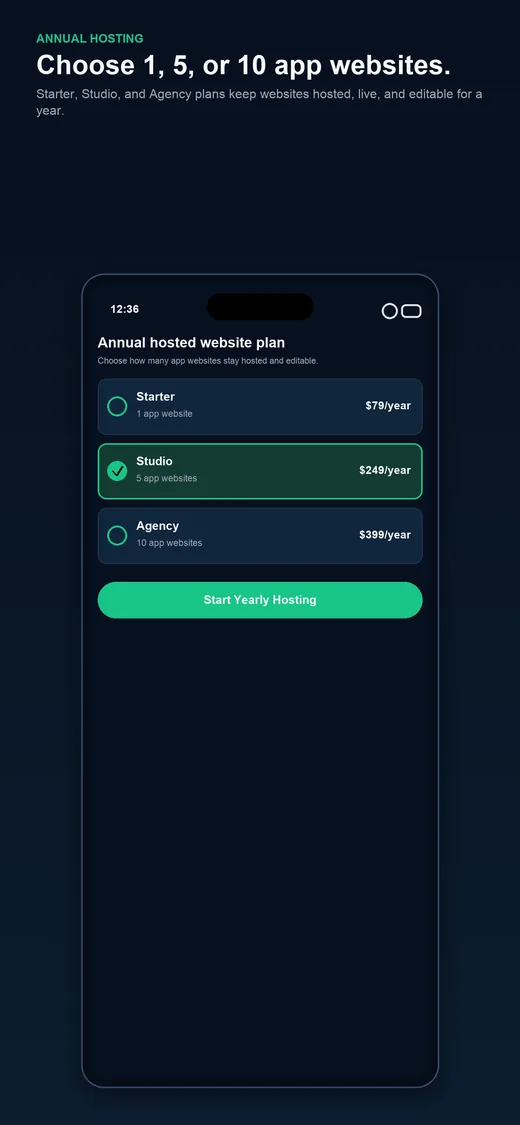
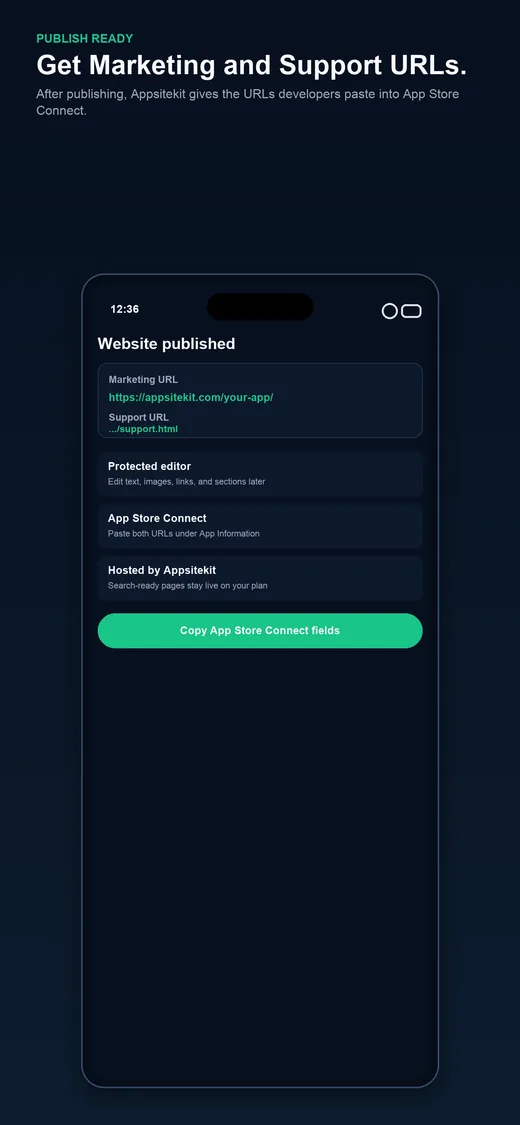
See how the app turns an App Store listing into a website workflow built for marketing pages, support URLs, search engines, and AI search engines.
The iOS app is free to download. Annual subscriptions unlock live preview, publishing, website hosting, and protected editing for app websites.
After publishing, the developer receives the exact URLs to use in App Store Connect. The website can be used as the Marketing URL, and the support page can be used as the Support URL.
Yes. Appsitekit is a downloadable Developer Tools app for iPhone and iPad. Get it from Apple's App Store, then paste the App Store URL for the iOS app you want to promote.
No customer login is required to begin. The app creates a backend session automatically so the user can build and preview a site.
No. Downloads, subscriptions, refunds, and purchases for a customer's iOS app remain with Apple. Appsitekit sells annual hosted websites around the app.
Annual hosting unlocks the live website, publishing, protected editor, Marketing URL, and Support URL handoff.
Appsitekit gives app developers a hosted public home for search engines, AI assistants, support visitors, press links, and App Store Connect metadata.