Organize your web
Group saved sites into folders, profiles, tags and reusable workspaces. Drag cards into folders, reorder launchers and search with on-device categories and suggestions.
 JarGridiOS app
JarGrid for iPhone and iPad
JarGridiOS app
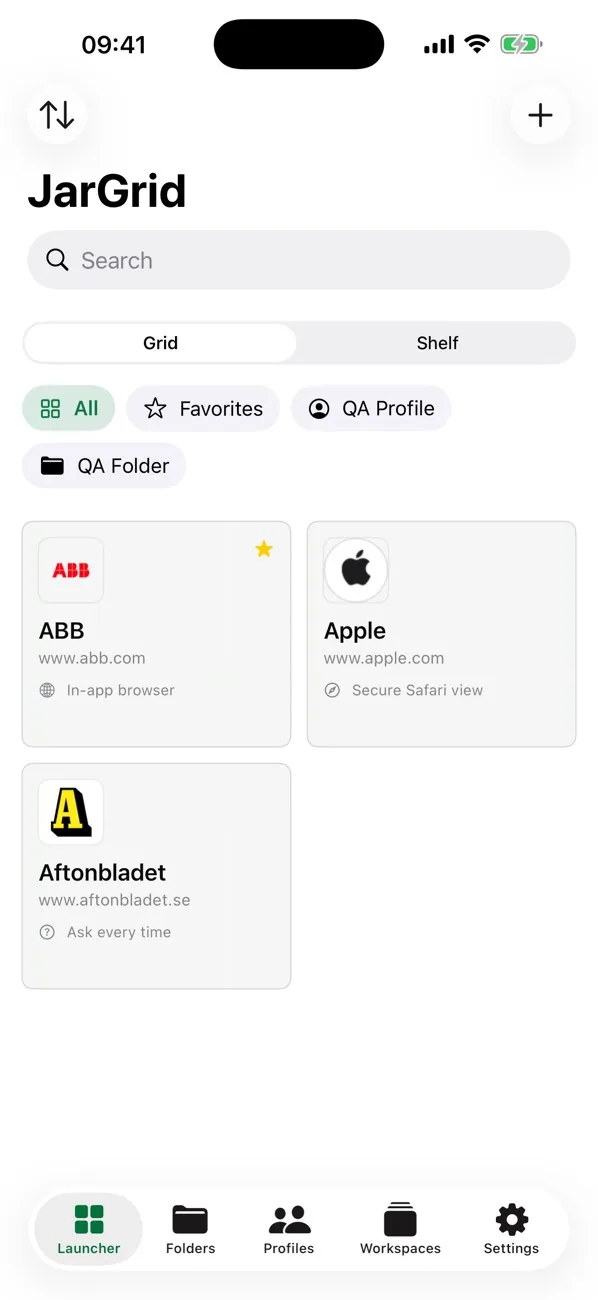
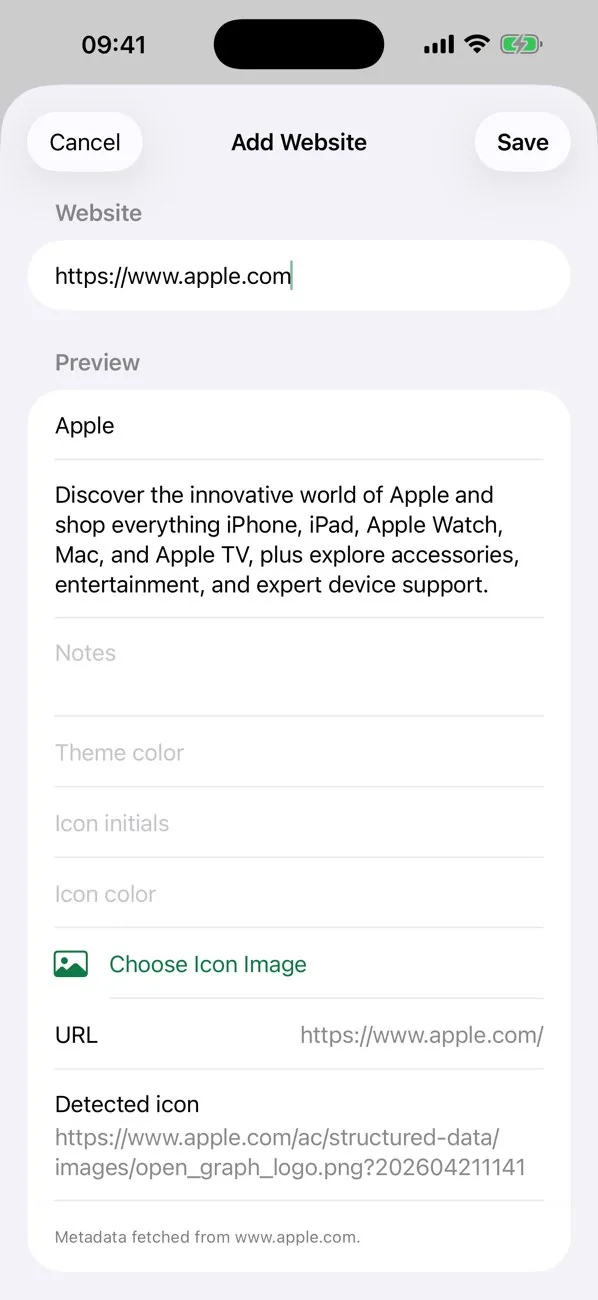
JarGrid for iPhone and iPadSave any website and JarGrid automatically collects its title, description, color and favicon. Launch from a clean grid, browse glass jar folders or move through reusable workspaces.
JarGrid combines a practical website launcher with visual folders, profiles, tags and ordered workspaces. It keeps everyday destinations close while giving larger collections a clear place to live.
Group saved sites into folders, profiles, tags and reusable workspaces. Drag cards into folders, reorder launchers and search with on-device categories and suggestions.
Use JarGrid's in-app browser, a secure Safari view, Safari or Google Chrome. Set private and desktop preferences, or ask every time.
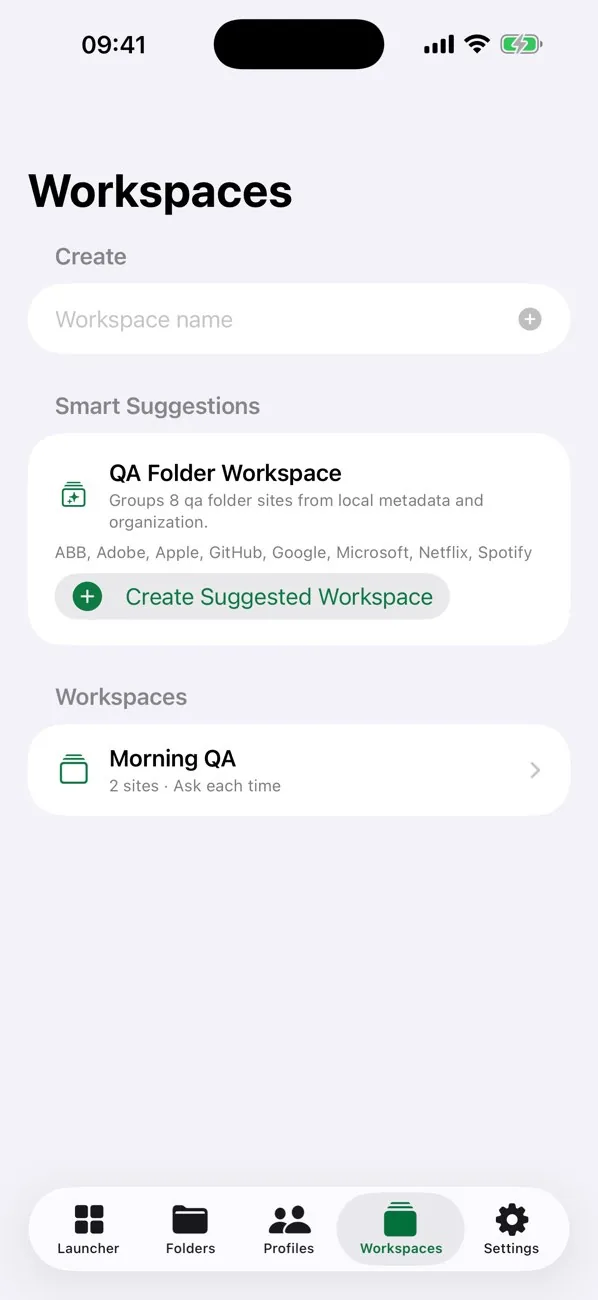
Arrange websites as ordered steps for research, publishing, administration or any repeated flow, then move through them with less friction.
Saved data is local-first with no advertising trackers. Face ID is optional, credentials stay in the iOS Keychain and private sessions can clear on close.
See durable website icons at a glance, with automatic metadata and icon repair.
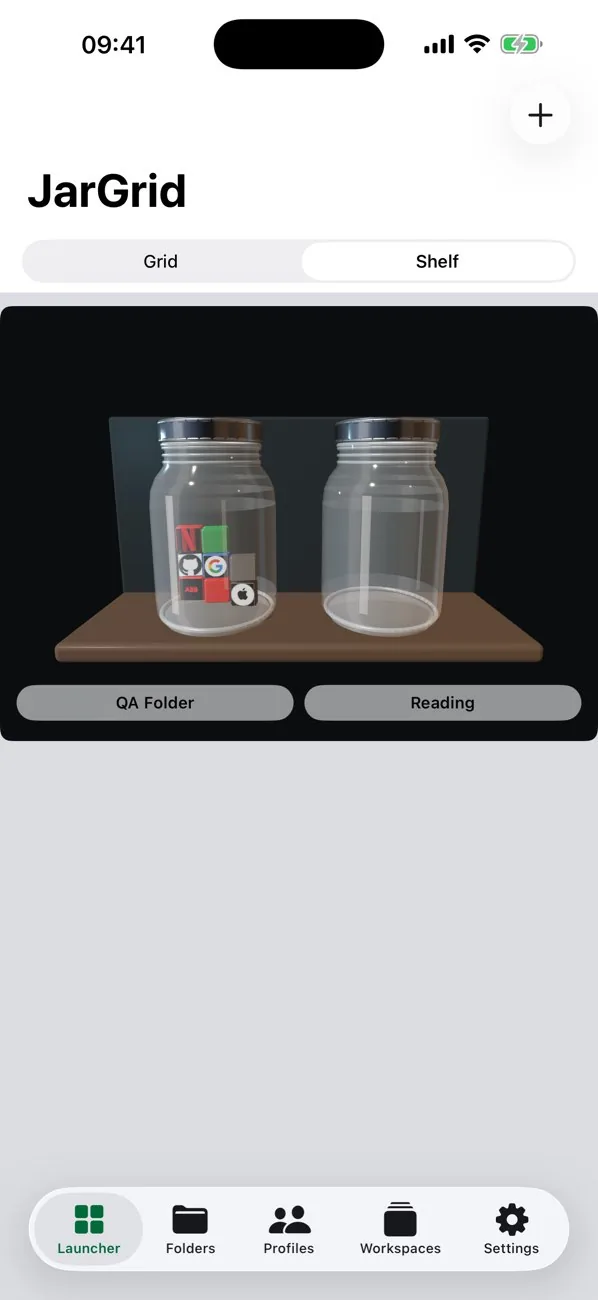
Browse folders as glass jars, shake their icons and fan websites out for quick selection.
Find websites through on-device categories, tags, profiles and suggestions.
Pick an in-app browser, secure Safari view, Safari, Chrome, private mode or desktop mode.
Use JSON, protected JSON, CSV, iCloud Drive or private CloudKit backup options.
Use widgets, Shortcuts, Spotlight, the share sheet and the Safari Web Extension.
The official App Store screenshots show the grid, glass jar shelf, workspaces, website capture and Professional upgrade.
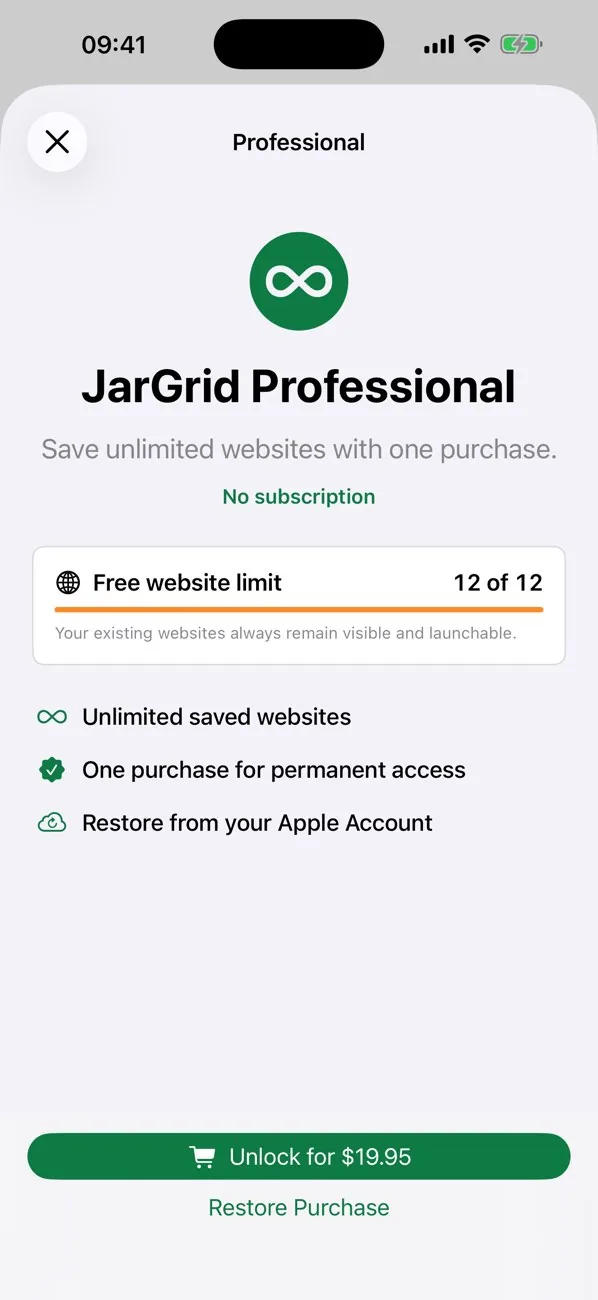
JarGrid Free supports up to 12 saved websites. JarGrid Professional is a one-time in-app purchase that unlocks unlimited saved websites. There is no subscription.
Save and organize up to 12 websites.
Unlock unlimited saved websites with one purchase.

JarGrid is a website launcher and workspace organizer for iPhone and iPad.
No. The free version supports up to 12 websites, and Professional is a one-time purchase for unlimited websites.
JarGrid is local-first. It also offers manual export plus iCloud Drive and private CloudKit backup options.
Yes. You can choose JarGrid's browser, secure Safari view, Safari, Chrome or ask each time.